 Harborlight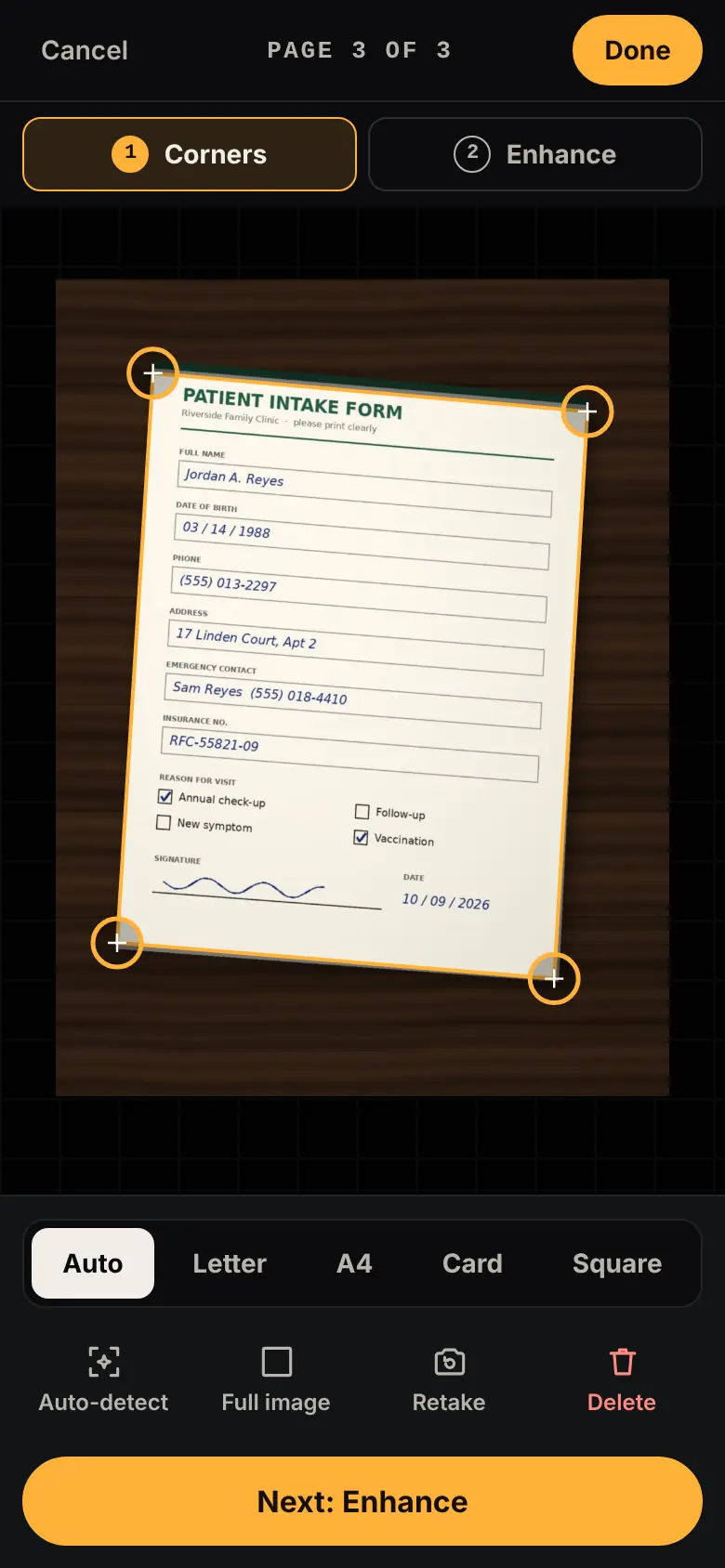
Why people are looking for something new
The short timeline, with sources. Plans and policies change, so check each vendor’s current page for the latest. Read the full guide: what changed and your options →
Microsoft Lens stops making new scans after being removed from app stores in February, according to Android Authority.
Source: Android Authority ↗A comparison of scanner apps notes watermarks and video ads, paywalls after a few scans, and required accounts.
Source: Unstar ↗A scanner user reports only five scans allowed without a subscription.
Source: Adobe Community ↗In their words, roughly
Lens had over 92 million downloads before its retirement was announced.
The suggested replacement is described as lacking the old app’s simplicity.
Paraphrased from public posts and articles, linked to the original. These are not reviews of Pocket Scan, and their authors are not affiliated with Harborlight.
Everything the job needs, nothing it doesn’t
Shoot page after page
Use your phone’s camera, a live viewfinder with the page outlined, or photos you already have.
Finds the page for you
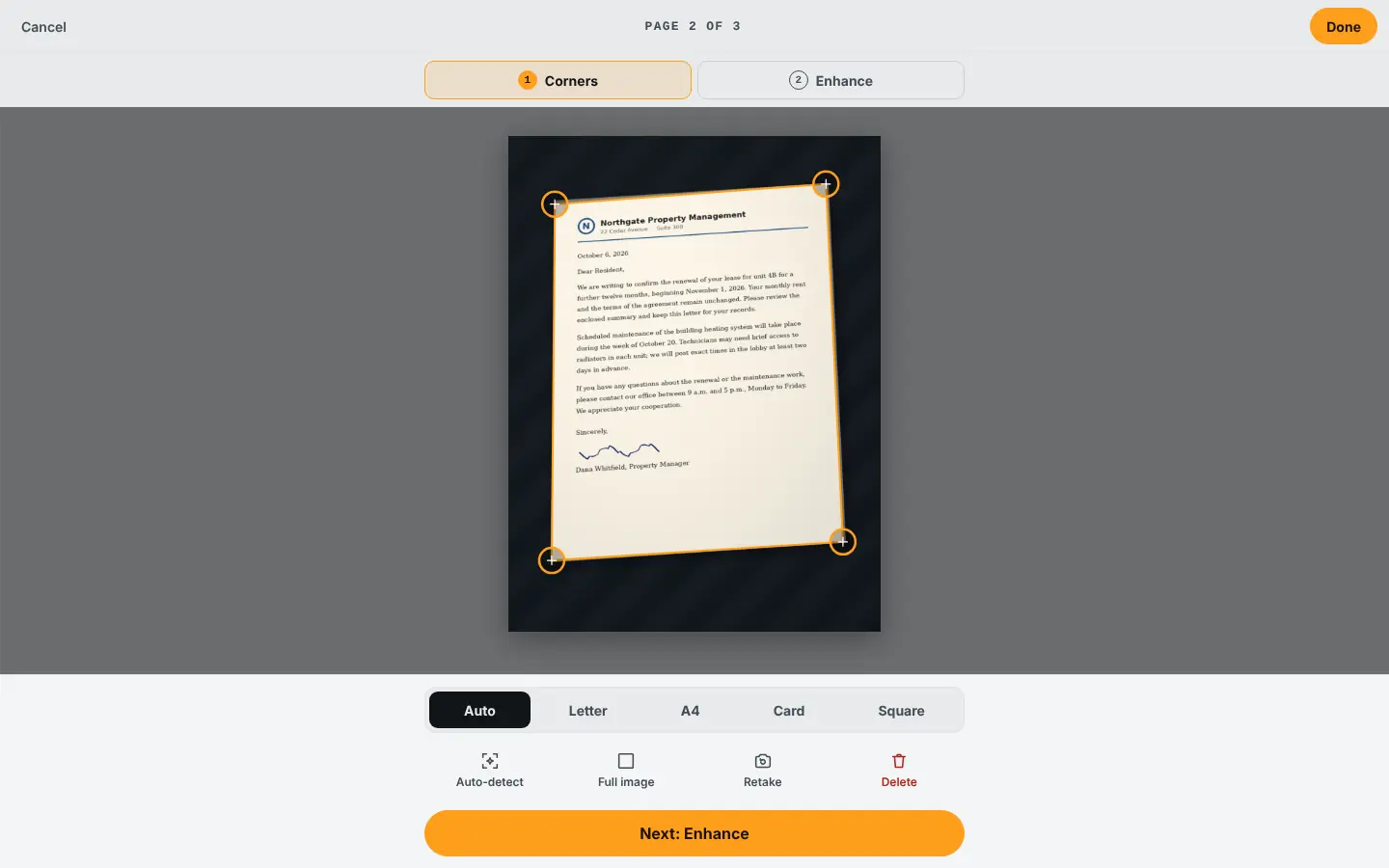
Edges are detected automatically. Drag any corner with a magnifier for a pixel-perfect fit.
Perspective fixed
Skewed photos become flat, square pages, sized for Letter, A4, a card or the image itself.
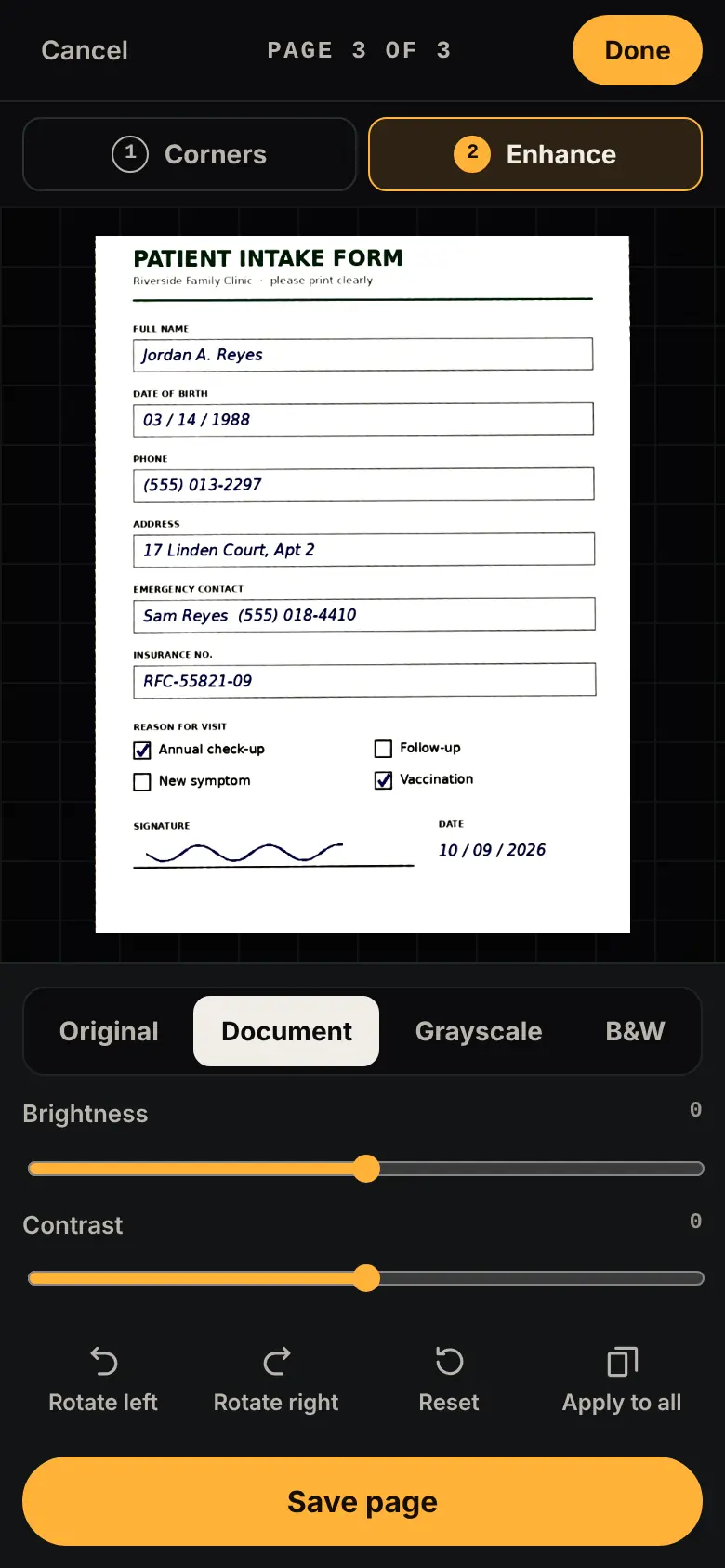
Paper looks like paper
Document, grayscale and black-and-white filters, brightness and contrast, applied to one page or all.
Order and retake
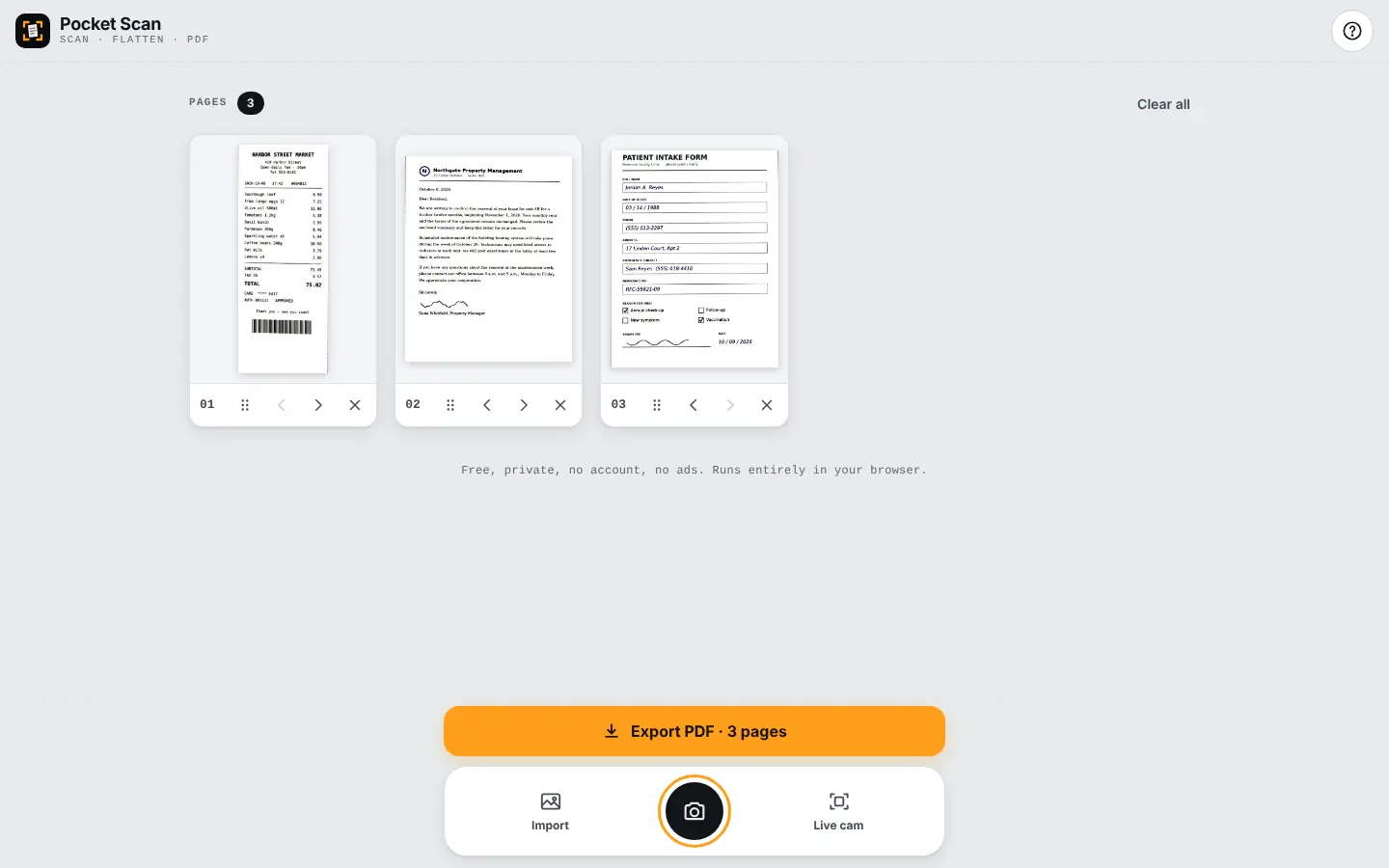
Reorder, rotate, re-edit or delete pages. Your session survives a reload.
Right-sized files
One PDF with a size estimate before you save, JPGs, or your phone’s share sheet.
See it working
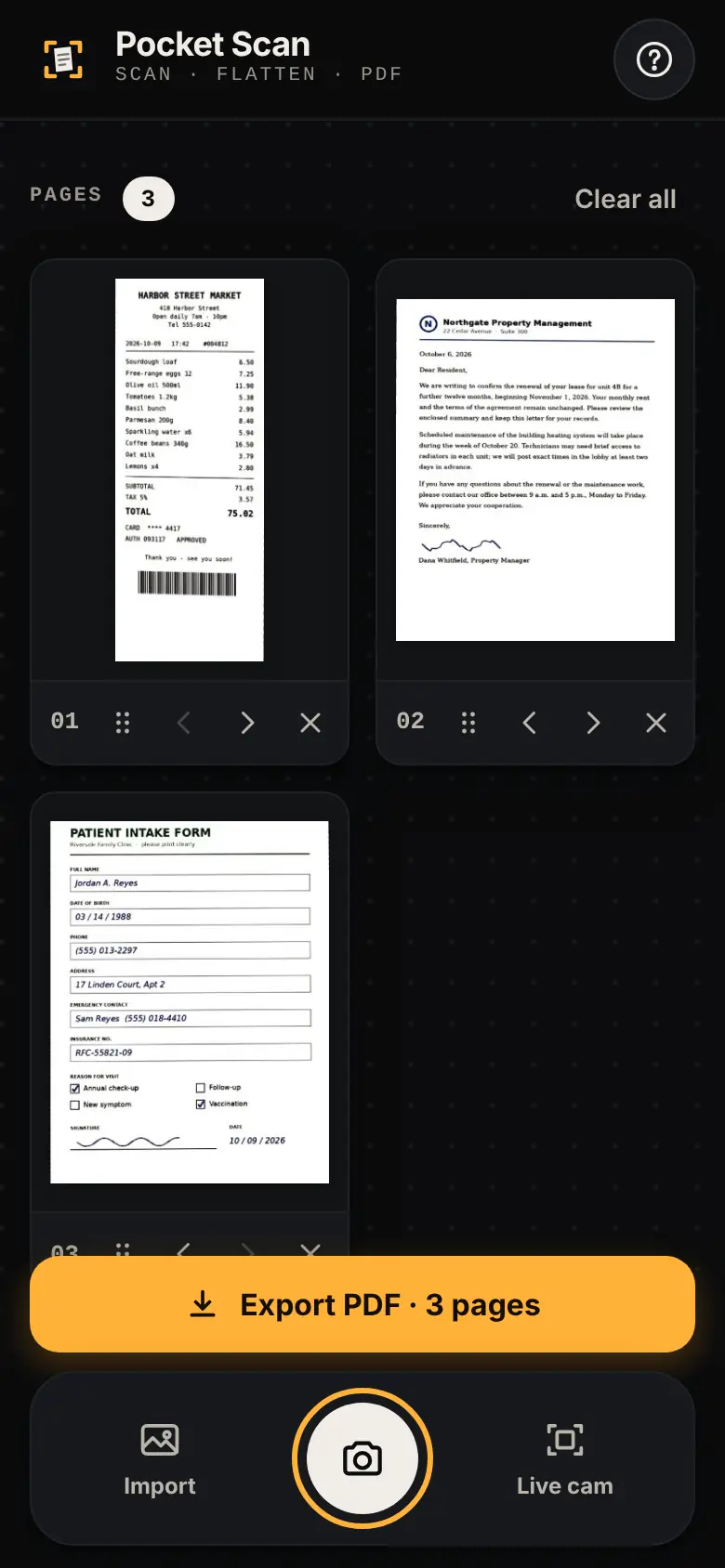
How it works
Stuck? Every Harborlight tool has a ? button with a short guide, tips and answers, right inside the app.
What “free” means here
Compared with the free tiers of popular tools in 2026. Details vary by product, and some paid tools do things Pocket Scan doesn’t; we list those too.
| Feature | Pocket Scan | Typical free tier |
|---|---|---|
| Watermark | Never | Common on free tiers |
| Scan limit | None | Often a few per month |
| Install required | No | Yes |
| Account required | No | Often |
| Ads | None | Common |
| Where scans go | Stay on your phone | Often a cloud account |
Good to know
Do I need to install anything?
No. Open the page in your phone’s browser. You can add it to your home screen if you like.
Are my scans uploaded?
No. Photos are processed on your phone and never leave it unless you share the PDF yourself.
What if the edges aren’t found?
Drag the four corners. Detection is weaker on white paper on a white table, so use a darker surface when you can.
Can it read the text (OCR)?
Not yet. Pocket Scan makes clean image PDFs; searchable text may come later.
Is it really free?
Yes: no watermark, no scan count, no account, no ads. Tips keep it going.
Ready when you are.
No sign-up. Open it and start, or download the single file for offline use.
More free tools
What do you think of Pocket Scan?
Tell us what works, what is missing, or what broke. Good ideas land in the next version.