 Harborlight
Why people are looking for something new
The short timeline, with sources. Plans and policies change, so check each vendor’s current page for the latest. Read the full guide: what changed and your options →
Free-plan users report they can no longer create a fourth board; a community moderator calls the change new.
Source: Miro Community ↗An idea thread asks to bring back the old behaviour, where older boards became view-only instead.
Source: Miro Community ↗In their words, roughly
A free user who thought boards were unlimited finds they can’t start a fourth one; another says they will move platforms.
A user gets limit prompts while having only one board.
Paraphrased from public posts and articles, linked to the original. These are not reviews of Corkboard, and their authors are not affiliated with Harborlight.
Everything the job needs, nothing it doesn’t
As many as you like
Create, rename, duplicate, search and delete boards with undo. There is no count to watch.
Infinite and fast
Sticky notes in seven colours, text, shapes, frames, freehand pen, images and arrows that stay attached when you move things.
Run the workshop
Dot voting with a per-person limit, a countdown timer with a chime, and a present mode that steps through frames.
Start structured
Retrospective, kanban, mind map, SWOT, affinity map and weekly plan, or insert one into an existing board.
Flow, not menus
N for a note, T for text, arrows to nudge, Ctrl+D to duplicate, 200 levels of undo.
Snapshot links
Export PNG, SVG or a board file, or send a read-and-save snapshot packed inside a link.
See it working
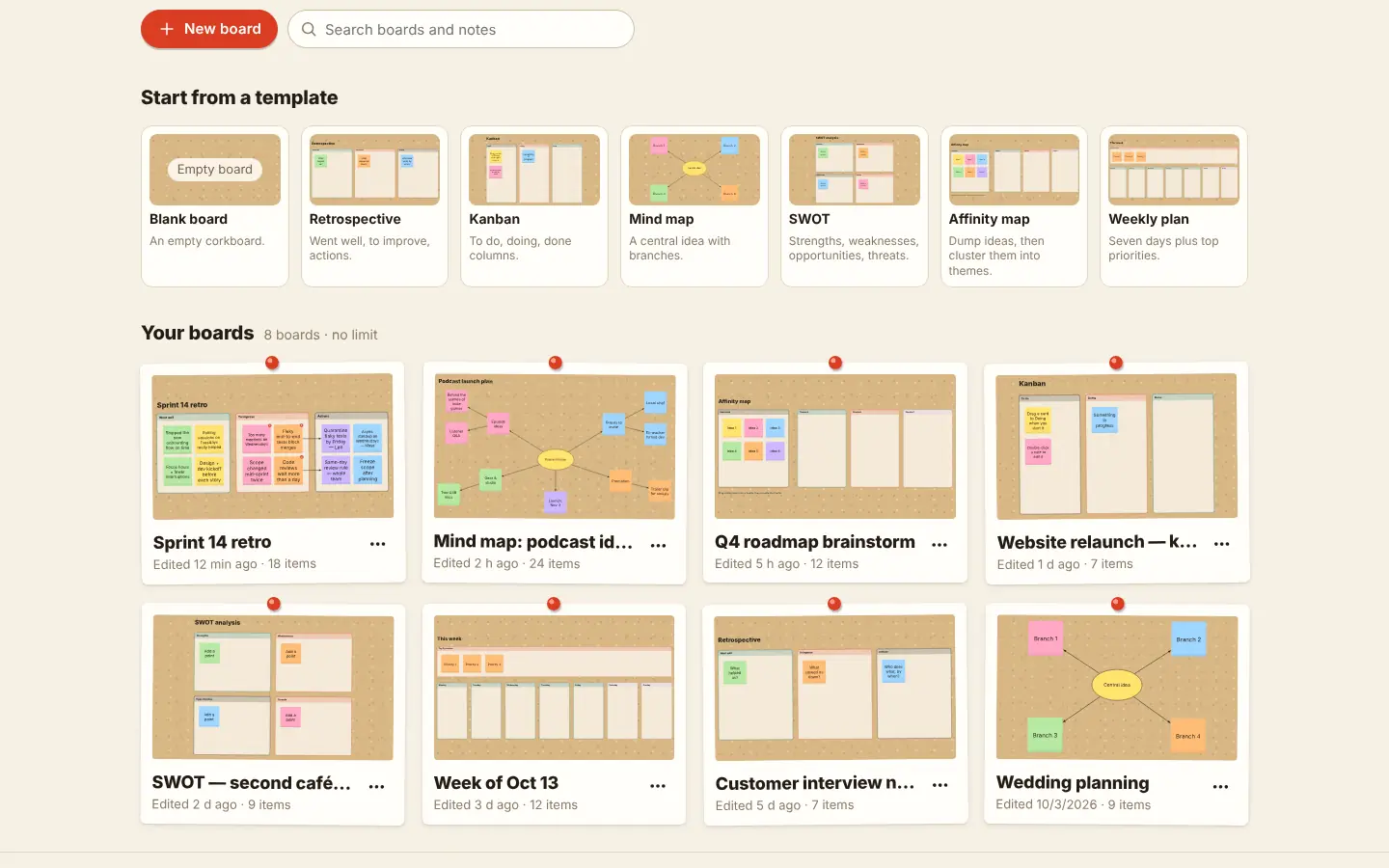
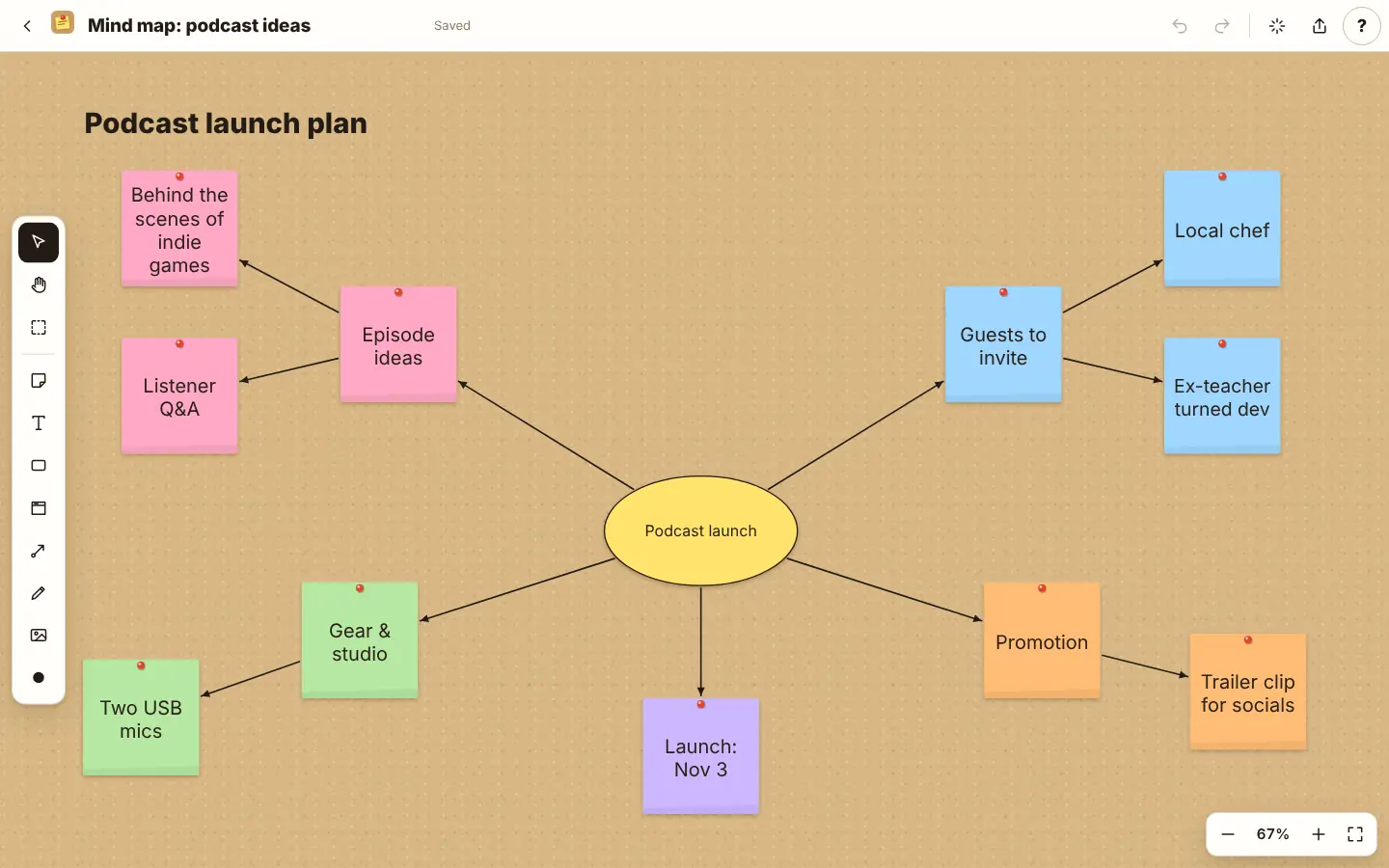
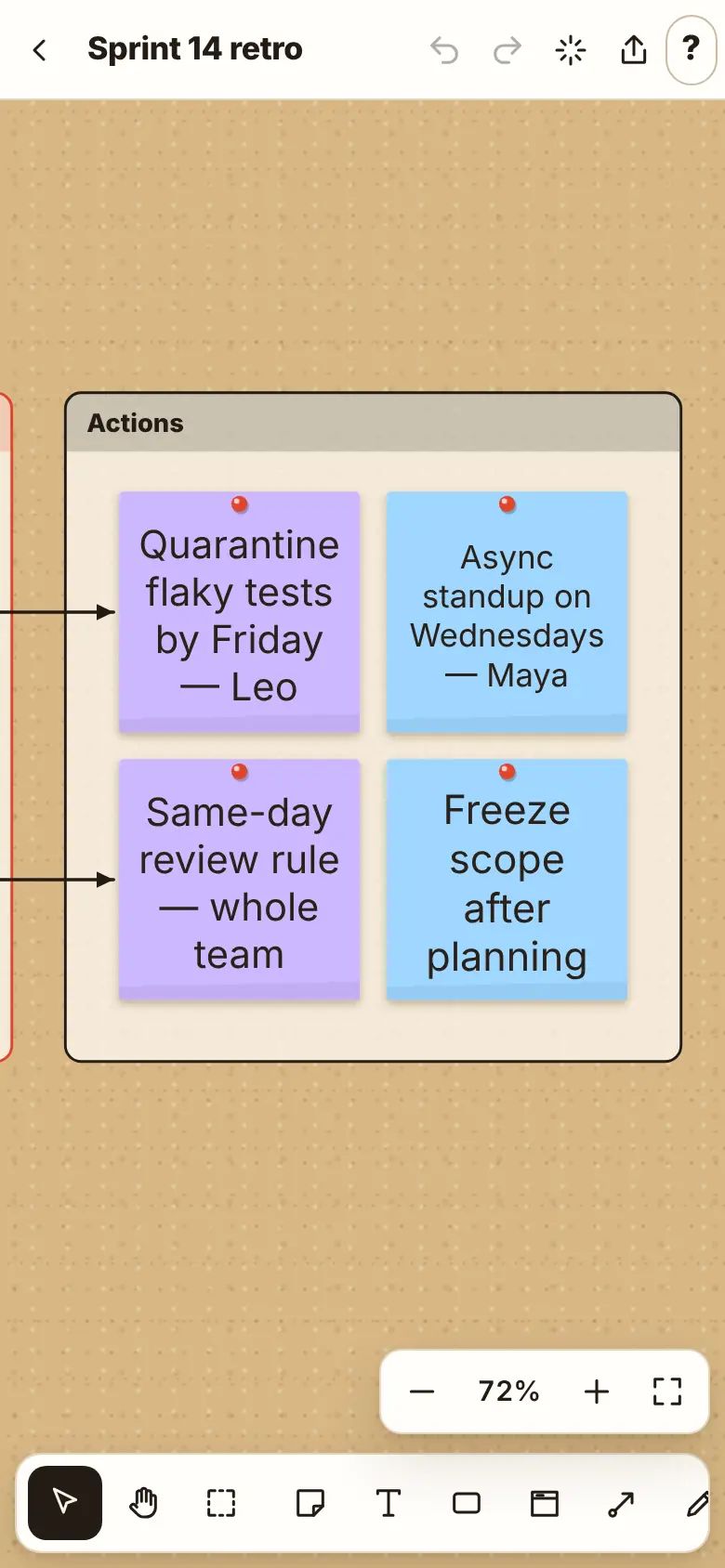
How it works
Stuck? Every Harborlight tool has a ? button with a short guide, tips and answers, right inside the app.
What “free” means here
Compared with the free tiers of popular tools in 2026. Details vary by product, and some paid tools do things Corkboard doesn’t; we list those too.
| Feature | Corkboard | Typical free tier |
|---|---|---|
| Number of boards | Unlimited | 3 on many free plans |
| Account required | No | Yes |
| Works offline | Yes | No |
| Voting, timer, present mode | Included | Often paid |
| Live multi-user editing | No | Yes |
| Where boards live | Your device | Their servers |
Good to know
Can several people edit at once?
No. Corkboard is single-user by design: there is no server. Share a snapshot link or a board file instead.
Where are my boards stored?
In your browser’s storage on this device. Export a board file to back it up or move it.
How big can a link be?
Small and medium boards fit in a link. Images are left out; send a board file for large boards.
Does it work on a tablet?
Yes. Pan with two fingers, pinch to zoom, double-tap to add a note.
Is it really free?
Yes, with no limits, no account and no ads. Tips keep it going.
Ready when you are.
No sign-up. Open it and start, or download the single file for offline use.
More free tools
What do you think of Corkboard?
Tell us what works, what is missing, or what broke. Good ideas land in the next version.