 Harborlight
Why people are looking for something new
The short timeline, with sources. Plans and policies change, so check each vendor’s current page for the latest. Read the full guide: what changed and your options →
Microsoft Publisher leaves Microsoft 365: its files can no longer be opened or edited there.
Source: Memorial University IT ↗Support ends for the stand-alone versions as well.
Source: Memorial University IT ↗The Church of England tells parishes what to do about pew sheets, orders of service and magazines.
Source: Church of England ↗In their words, roughly
A church volunteer asks for a replacement, mentioning thousands of files and twenty years of work.
A ministry guide notes that word processors struggle with photo layouts, and that online design tools need an application and an internet connection.
Parishes are warned that common alternatives are weak at multi-page print, and that pro tools have a steep learning curve.
Paraphrased from public posts and articles, linked to the original. These are not reviews of Bulletin Press, and their authors are not affiliated with Harborlight.
Everything the job needs, nothing it doesn’t
Start in seconds
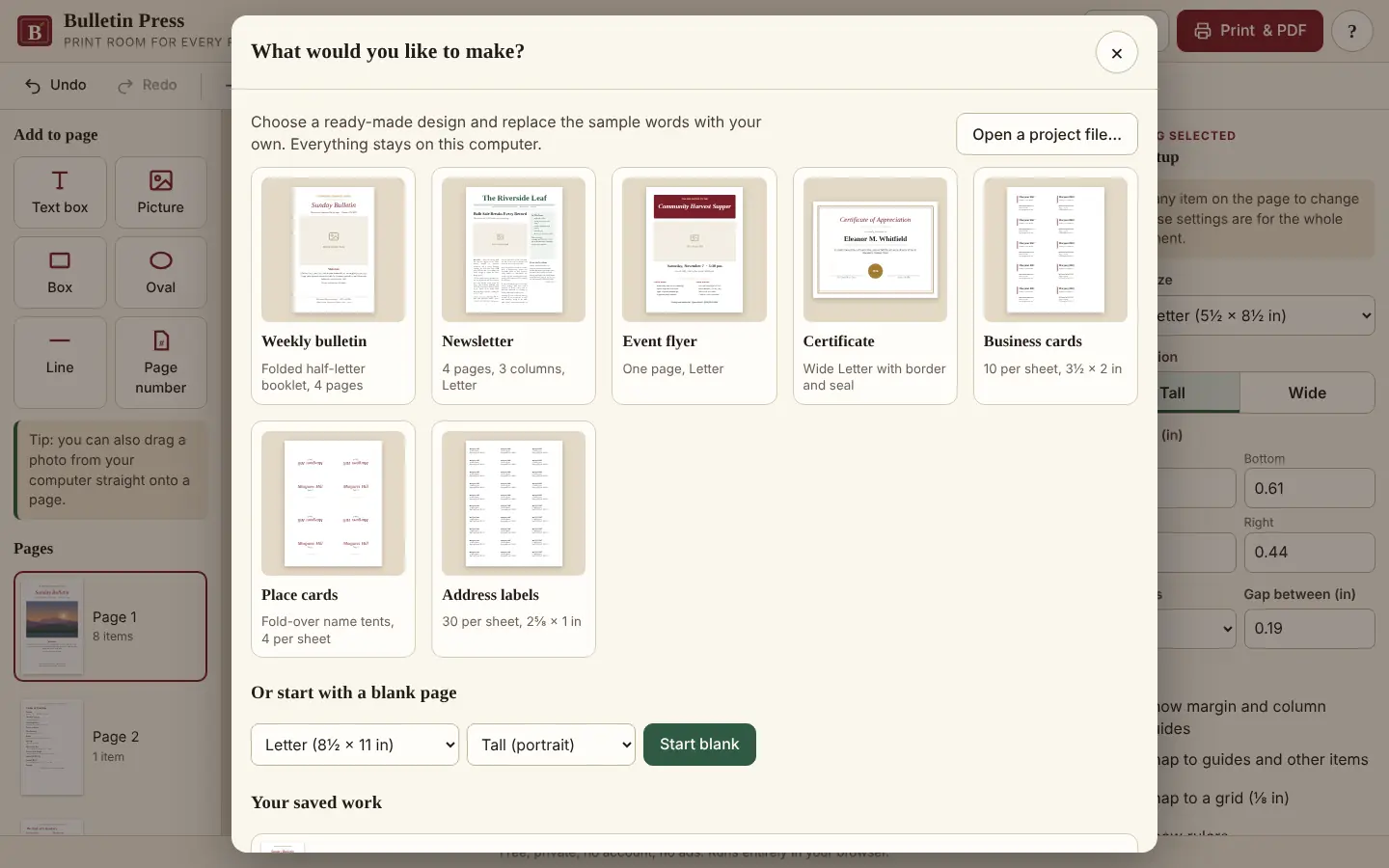
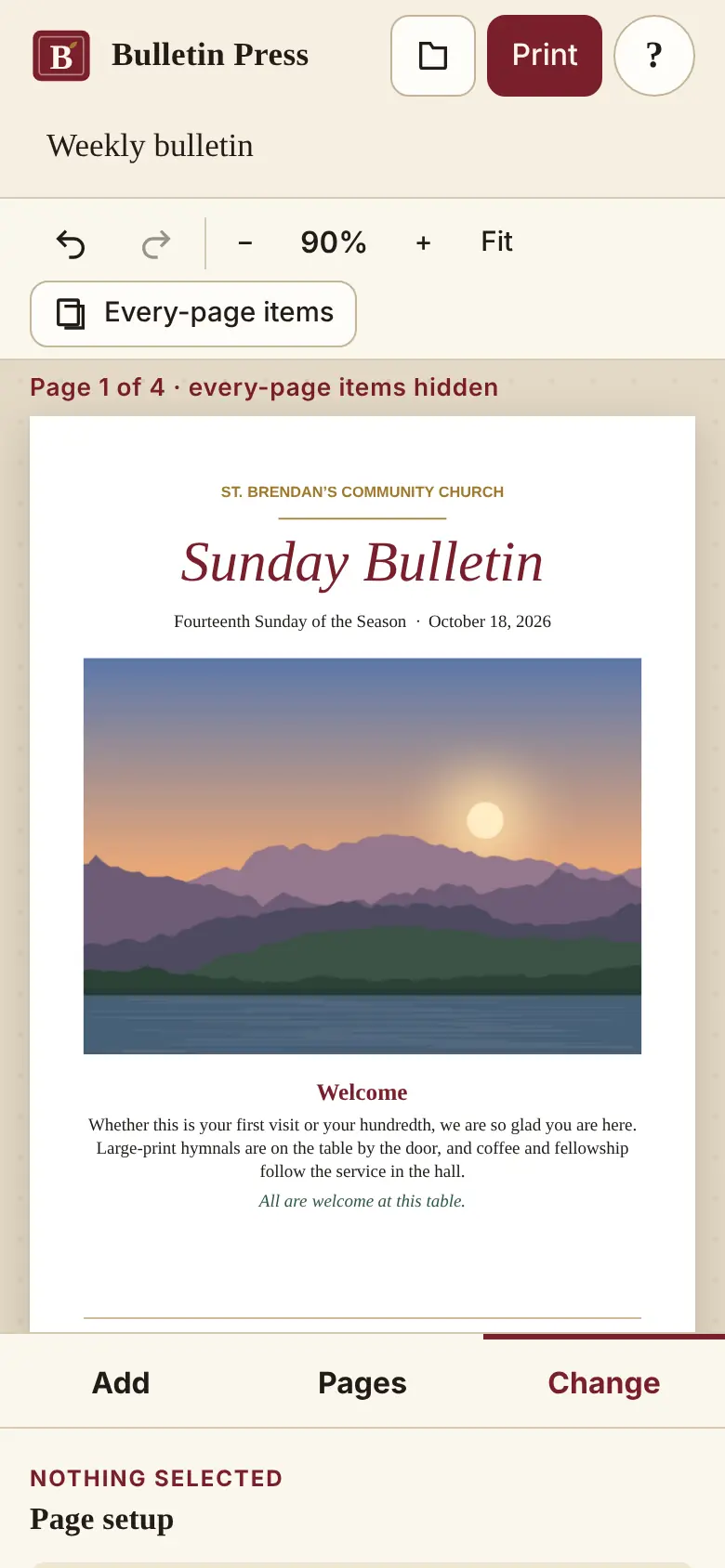
Weekly bulletin, 4-page newsletter, flyer, certificate, business cards, place cards and address labels, ready to edit.
Real pages, real margins
Letter, Legal, Tabloid, Half-letter, A4 and A5, with columns, snapping guides and rulers in inches or centimetres.
Stories that flow
Text continues from one box to the next, even onto another page. A red mark shows when something doesn’t fit.
Fold & print
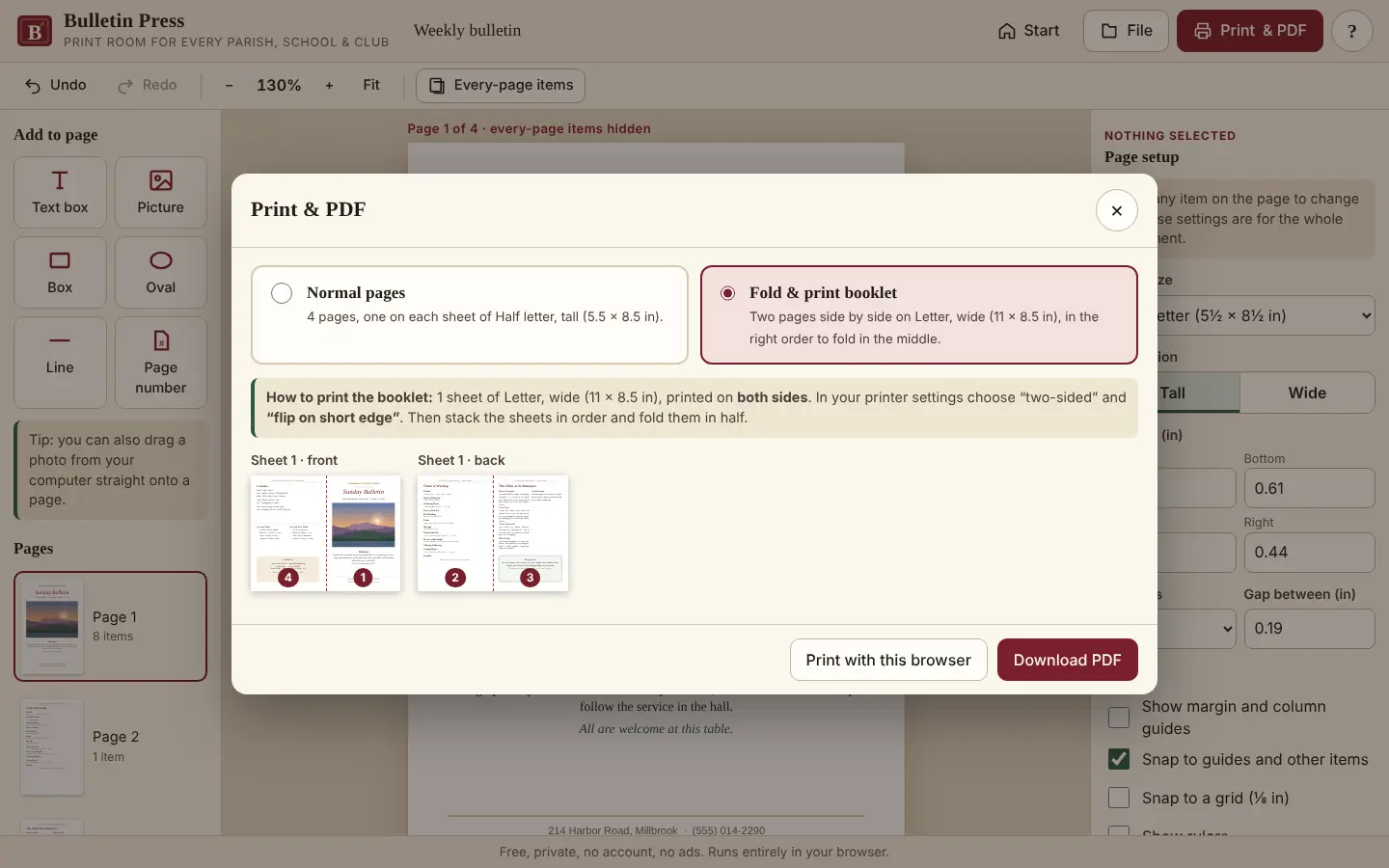
Pages are placed in saddle-stitch order on two-up sheets, with a preview of each side and simple printing instructions.
Labels from a list
Paste names and addresses to fill name tags, place cards and labels. Extra pages are added for you.
For the next volunteer
Save the project as one file, pictures included, and pass it on. Autosave keeps today’s work safe.
See it working
How it works
Stuck? Every Harborlight tool has a ? button with a short guide, tips and answers, right inside the app.
What “free” means here
Compared with the free tiers of popular tools in 2026. Details vary by product, and some paid tools do things Bulletin Press doesn’t; we list those too.
| Feature | Bulletin Press | Typical free tier |
|---|---|---|
| Opens without an account | Yes | Often no |
| Works offline | Yes | Usually no |
| Folded booklet printing | Built in | Rare |
| Fill labels from a list | Built in | Varies |
| Learning curve | Plain words, big buttons | Steep in pro tools |
| Price | Free | Subscription or application |
Good to know
Can it open my old .pub files?
No. Export them to PDF while you still can, and rebuild the ones you reuse from a template. We say this plainly rather than promise a converter that would let you down.
Will the PDF look like the screen?
Yes. Text in the PDF is real, selectable text, measured with the same fonts you see on screen.
How do I print a folded bulletin?
Choose Print & PDF, then Fold & print booklet. Print double-sided, flip on the short edge, fold, and the pages are in order.
Where is my work saved?
In this browser on this computer. Use “Save a copy” to keep a project file, and send that file to the next volunteer.
Is it really free?
Yes. No account, no ads, no paid plan. Bulletin Press is funded by tips.
Ready when you are.
No sign-up. Open it and start, or download the single file for offline use.
More free tools
What do you think of Bulletin Press?
Tell us what works, what is missing, or what broke. Good ideas land in the next version.